
380+ Checks
Catalog below
Product · AWS Advanced Tier Services Partner
IAM, storage, network, compute, and logging — checked across every region of every connected account. Severity-tiered, AI-narrated, and every finding carries the AWS Console steps that close it.
380+ Checks
Catalog below
15+ Regions
Auto-discovered
Fix Guides
Console steps + AWS doc
AI Commentary
On every finding
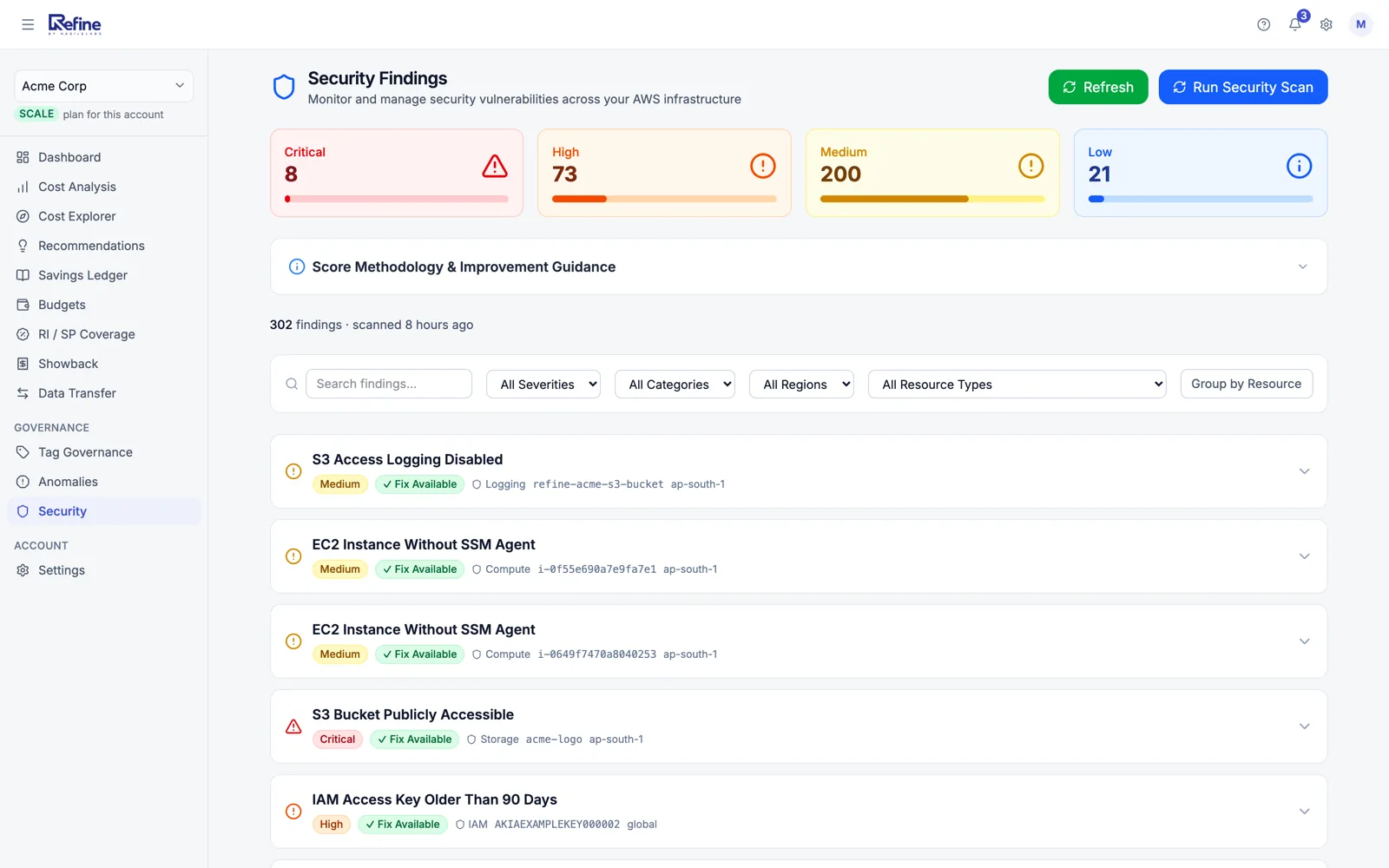
Five categories × four severities. A sample of representative checks per cell — the full catalog ships with the product.
A finding that tells you something is wrong and stops there is a to-do, not a fix. Where Refine holds a vetted remediation for a check, the finding carries a Fix Available badge and opens the numbered AWS Console steps that close it — for that resource, in that region.
Findings we hold no guide for say so plainly rather than showing an empty panel.
Example finding
Block Public Access to S3 Bucket
acme-prod-logs · s3 · us-east-1
How to Fix This (AWS Console Steps)
…5 more steps
View Official AWS DocumentationRefine auto-discovers active regions in each connected account and scans them. Findings are tagged with the region so multi-region orgs can route by ownership.
us-east-1
N. Virginia
us-east-2
Ohio
us-west-1
N. California
us-west-2
Oregon
ca-central-1
Central Canada
eu-central-1
Frankfurt
eu-west-1
Ireland
eu-west-2
London
eu-north-1
Stockholm
ap-south-1
Mumbai
ap-south-2
Hyderabad
ap-southeast-1
Singapore
ap-southeast-2
Sydney
ap-northeast-1
Tokyo
ap-northeast-2
Seoul
sa-east-1
São Paulo
global
Global services
A single 0–100 number that tracks posture trend. Same calibration as the Optimization Score next to it.
Example
+4 in 30 days. Driven by closing 3 Critical IAM findings and enabling EBS encryption defaults org-wide.
How we compare
Honest assessment — Wiz and Prisma are deep CNAPP products, and Security Hub can apply fixes we deliberately cannot. Refine is an AWS-native pairing of security and cost with a free tier and flat paid plans. Different jobs, different prices. Pick the one that fits.
| Capability | RefineYou are here Cost + security, one product | AWS Security Hub AWS-native | Wiz CNAPP, multi-cloud | Prisma Cloud CNAPP, multi-cloud |
|---|---|---|---|---|
| Pricing | ||||
| Price | Free tier · $100–$200/mo paid plans | Free for findings, paid integrations | No free tier | No free tier |
| AWS-native (no agents) | Included | Included | Hybrid | Hybrid |
| Coverage | ||||
| Multi-cloud (Azure, GCP) | Not included | Not included | Included | Included |
| Cost optimization in same product | Included | Not included | Not included | Not included |
| AI narrative reports | Included | Not included | Partial | Partial |
| Findings | ||||
| Severity-tiered findings | Included | Included | Included | Included |
| Remediation What the product does once a finding is raised. | Guided — Console steps + AWS doc | Automated via SSM runbooks | Workflow-based | Workflow-based |
| Org model | ||||
| MSP / multi-customer hierarchy | Included | Org accounts | Enterprise tier | Enterprise tier |
| Operations | ||||
| Setup time | 60 seconds | Minutes | Hours-days | Hours-days |
60-second setup. Free under $2,000/month of AWS spend. Read-only access.
Refine is built and supported by HabileLabs, an AWS Advanced Tier Services Partner.